Appearance
Not Starts With
The not starts with rule is designed to verify that a specific field's value doesn't commence with a given substring. For instance, you can use this rule to ensure that certain product categories are not prefixed with specific terms in their names.
Options
To use the not starts with rule, you need to provide the substring that the field value should not start with. The substring can be either a static or a dynamic field value from the product.
Case Sensitivity
The default behavior is case-insensitive matching. To make it case-sensitive, enable the caseSensitive option.
Examples
Basic Usage
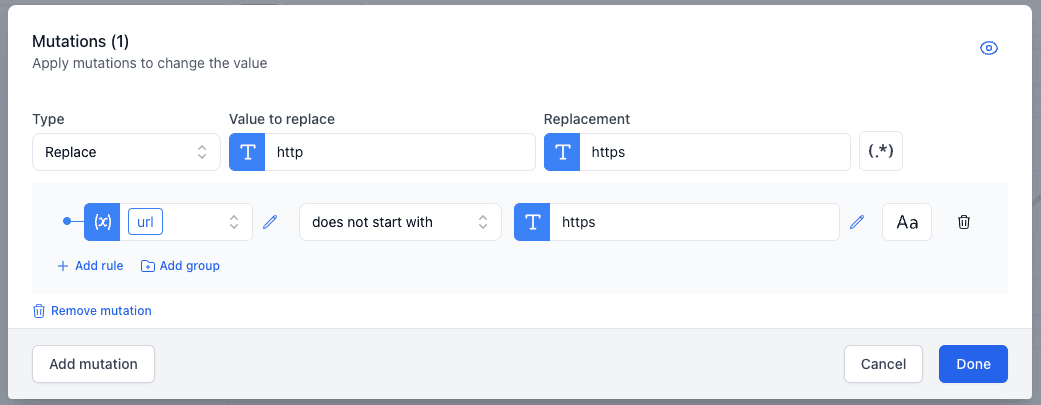
In this example, we verify that the url starts with https.