Appearance
Round Mutation
The Round mutation allows you to round a number in a specific product field. This mutation is useful for adjusting prices, computing margins, and more.
Options
Nearest multiple of
The number you want to round to. This is the nearest multiple to round to.
Rounding
- Down: Rounds the value down.
- Nearest: Rounds the value to the nearest number.
- Up: Rounds the value up.
Example
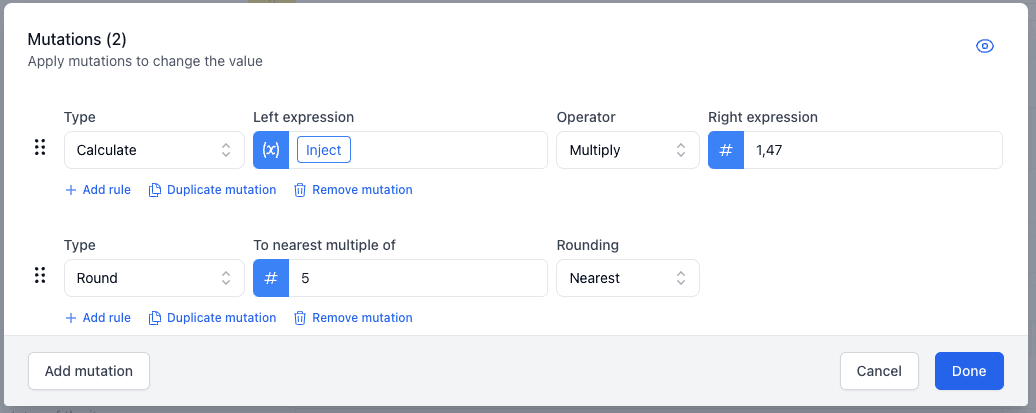
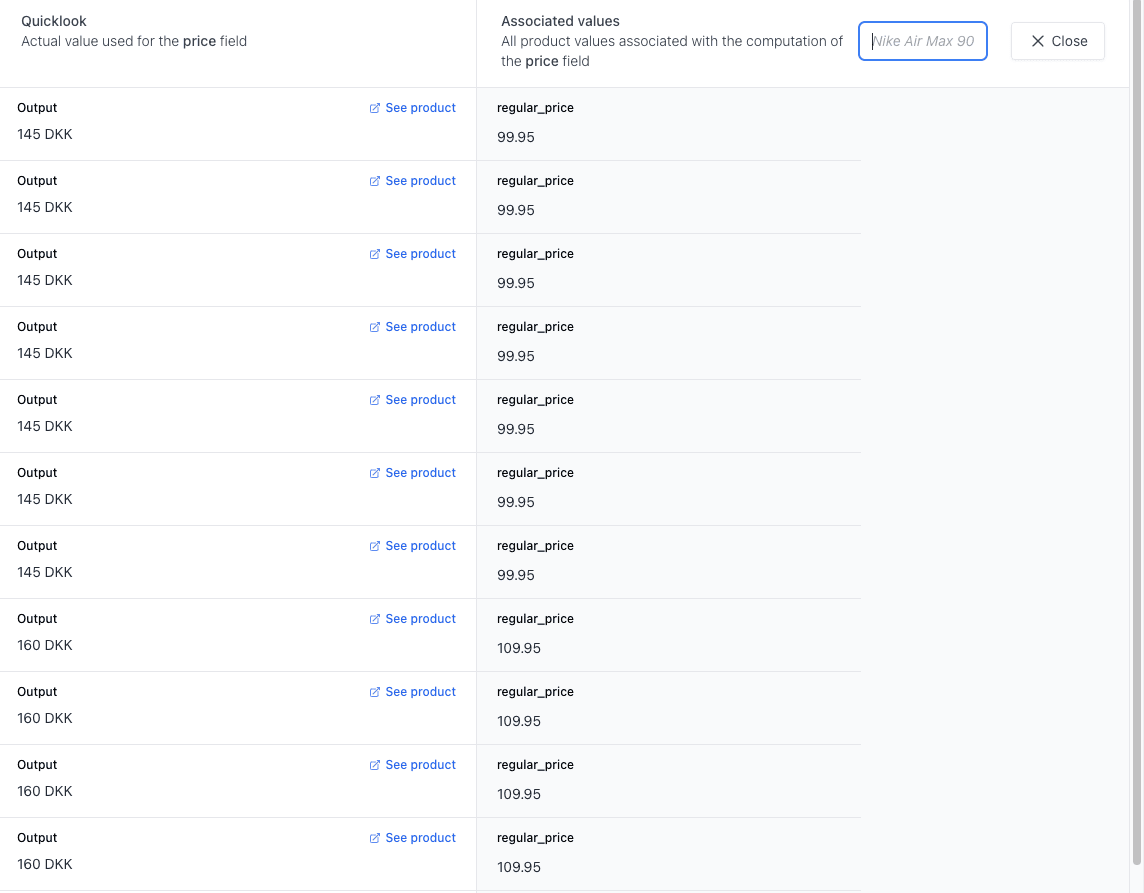
If you are manually performing calculations, you might want to round the result to a certain number. Here we round to the nearest 5 after we have multiplied the price by 1.47: